Posts

Showing posts with the label Design Space software

How to Setup Cricut Machine for Beginners in Easy Steps

Image
Crafting has always been my favorite hobby, so I bought a Cricut machine to create more fascinating projects. As it was delivered to my door, I just got super excited. I unboxed it, pulled out the machine, and placed it on my desk. The box also contained wires, a mat, and a tiny blade. I was so excited when my new Cricut machine arrived, but my excitement quickly faded when I struggled to set it up. I read the user manual to setup the machine and followed every instruction. But nothing worked even after putting in so much effort, from turning on the machine to connecting cables and downloading Design Space. After some extra effort and thorough research, I successfully set it up. I’ll share with you what worked for me. If you are a beginner who wants to learn how to setup Cricut machine , follow the steps in this write-up. Key Considerations Before Setting Up a Cricut Machine Proper setup is essential to ensure your Cricut machine works efficiently for crafting. But there are certain th...

How to Slice on Cricut Design Space: A Beginner’s Guide

Image
In this guide, we are going to learn how to slice on Cricut so that you can split your letters and images in the easiest way ever. This blog will also provide you with an expert how-to guide, along with some helpful tips and tricks to get started. The Slice tool is a useful tool for creating complex designs, such as cutting out a shape from within another or modifying text by creating split monograms. By overlapping shapes and using the Slice tool, you can create new cut paths and remove unwanted parts of an image. Note: The Slice tool can only be used when exactly two visible layers are selected. What Does “Slice” Mean in Cricut Design Space? In Design Space, “Slice” refers to a tool that divides overlapping shapes or text into separate layers, creating new cut paths. How it works: When you select two overlapping shapes and use the “Slice” tool, Cricut will analyze the overlapping area and create new cut lines. Result: You’ll end up with multiple new ...

Cricut App Download for Computers: Easy Installation Guide

Image
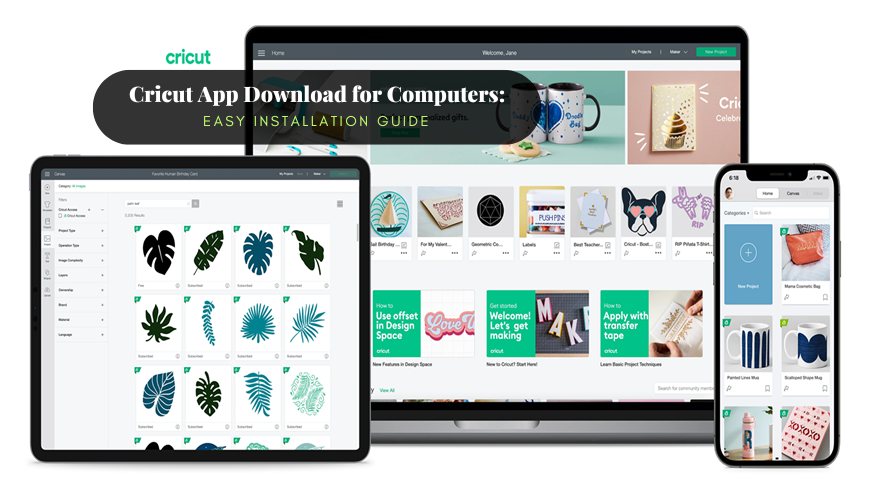
In this fast-paced world, you want an app that makes your life easier and allows you to be creative at the same time without any hassle. Are you a beginner in this creative field or a Cricut app user? This software is a must for anyone who likes to make designs and crafts and is looking for an all-in-one creative platform. The Cricut app, also known as Design Space , is a digital design application that allows you to use your creativity and personalize your design. It provides a set of tools for customizing and modifying your DIY projects. This app has an extensive library of free images, unique designs, and templates. You can build your project from scratch and make it more versatile with many creative tools, starting from different tools, characters, images, and fonts. You can fill your blank canvas with a park of innovative designs. Please read this write-up to learn more about how to perform the Cricut app download on your computer. Minimum System Requirements for Cri...

How to Set Up and Use Cricut Explore Air 2?

Image
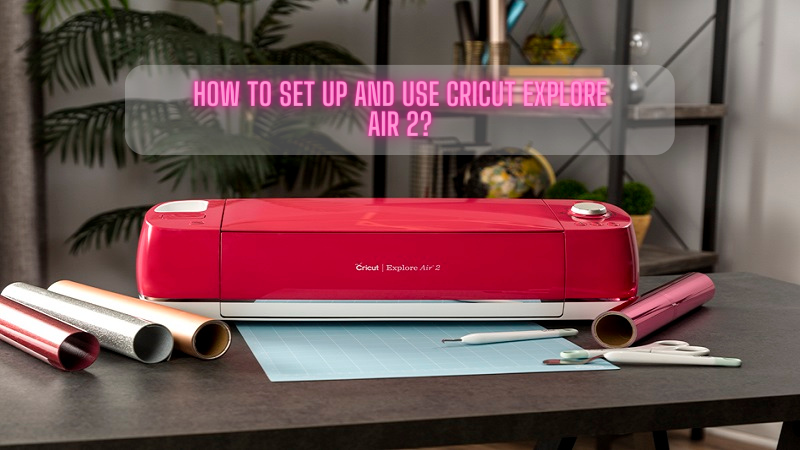
Cricut Explore Air 2 Not getting the desired cuts and results indicates an issue or damage in the machine. Do you know why your machine suddenly starts giving off results? It may need a thorough calibration to make it work well. So, if you want your Cricut Explore Air 2 to run smoothly, this step-by-step tutorial will help you get that. The process is not as tough as it seems. You only have to pay attention to the process. So, get ready to learn the way to calibrate your Explore Air 2. In this tutorial, we will be showing how you can use regular print papers and a light grip cutting mat to calibrate your machine. So, without due, let's head over to the two materials to get started. Why Should You Calibrate Your Cricut Machine? When it's been a long time since you owned a Cricut Explore Air 2 , you will have to calibrate it periodically. It is necessary for the machine to run well. The machine will indicate the need for calibration by giving offcuts. So, when you s...