Posts

Showing posts with the label cricut maker 3 setup

How to Setup Cricut Machine for Beginners in Easy Steps

Image
Crafting has always been my favorite hobby, so I bought a Cricut machine to create more fascinating projects. As it was delivered to my door, I just got super excited. I unboxed it, pulled out the machine, and placed it on my desk. The box also contained wires, a mat, and a tiny blade. I was so excited when my new Cricut machine arrived, but my excitement quickly faded when I struggled to set it up. I read the user manual to setup the machine and followed every instruction. But nothing worked even after putting in so much effort, from turning on the machine to connecting cables and downloading Design Space. After some extra effort and thorough research, I successfully set it up. I’ll share with you what worked for me. If you are a beginner who wants to learn how to setup Cricut machine , follow the steps in this write-up. Key Considerations Before Setting Up a Cricut Machine Proper setup is essential to ensure your Cricut machine works efficiently for crafting. But there are certain th...

5 Cricut Christmas Shirt Ideas to Elevate Your Holiday Style

Image
In just a few more weeks, the Christmas holidays will start. I know many of you are looking for unique Christmas ideas that will stand out. Therefore, this year, I have created something new. Having already made 5 Christmas shirts with my Cricut Maker , I will share some Cricut Christmas shirt ideas for you to try on yourself or for your family members. Trust me, it is always fun to make shirts for Christmas using the Cricut machine. You can wear these during the holiday season or on Christmas Eve. But, every year, during Christmas, my children want to try something unique to look different. So, I tried on many shirts for my kid and husband. In this blog, you will find the best ideas for Christmas shirts that will be suitable for both children and adults. Ready to try these Christmas shirt ideas? Let’s start. 1.  Christmas Shirt for Kids This year, gift these elegant shirts to your kids. This green, black, and white color t-shirt will get your child in the h...

Top 3 Cricut Easy Projects: Creative Ideas for Beginners

Image
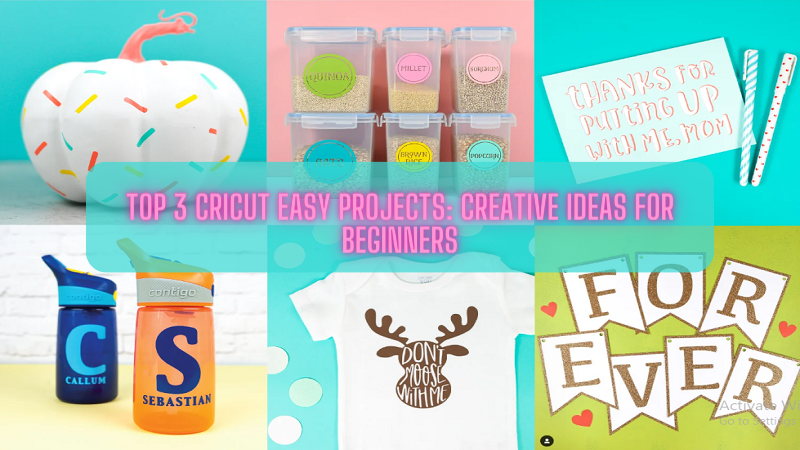
Cricut Easy Projects Cricut machines are manufactured for crafters and designers cutting, writing, and scoring. Suppose you are someone who has newly bought this powerful and robust machine. Then you are searching for ideas and projects to start your journey with the Cricut machine. These project ideas are curated especially for beginners like you and help you familiarize yourself with your new machine. These projects can work with any of the Cricut devices you have bought, whether you own a Cricut Joy, Explore, or Maker model. You will find this helpful. So, let's see what the Cricut easy projects are. read more... Cricut EasyPress 3 Setup What Tools and Materials Will You Need? Before starting any project, you should have at least a few tools and supplies to get you started. Cutting Mats: Cutting mats are needed for materials unless you have bought Cricut Joy which cuts materials without a mat. Cardstock: Cricut offers a great selection of cardstocks to ch...

What are Basic Cricut Computer System Requirements?

Image
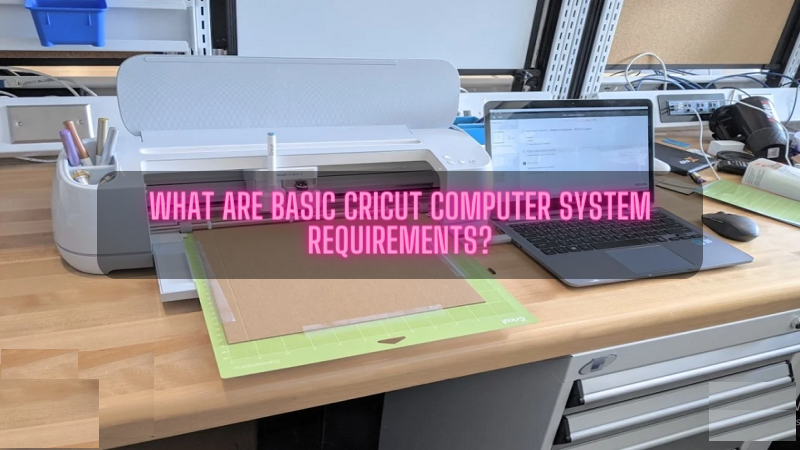
All the smart cutting machine models come with free, easy-to-learn designing software or app ( Cricut Design Space ). It takes advantage of the latest technology for an excellent experience and keeps updating it for better performance. Design Space is compatible with all devices, including the Desktop. However, Cricut computer system requirements must meet the expectations to run the app smoothly. Moreover, as updates are made routinely, some basic requirements that every crafter must learn to support the software are available in the following post sections. What are Cricut Computer System Requirements for Windows? To make the software operate without any technical errors, the users must know the Cricut system requirements for Windows. Get to know about the craft plotter's system requirements from the table expressed below: Operating System Windows 10 or an upgraded version. CPU & RAM Intel ™ Dual- core processor or it's equal. 4 GB RAM & 2GB free disk...

What are the Best Cricut Smart Materials for Maker 3 & Explore 3?

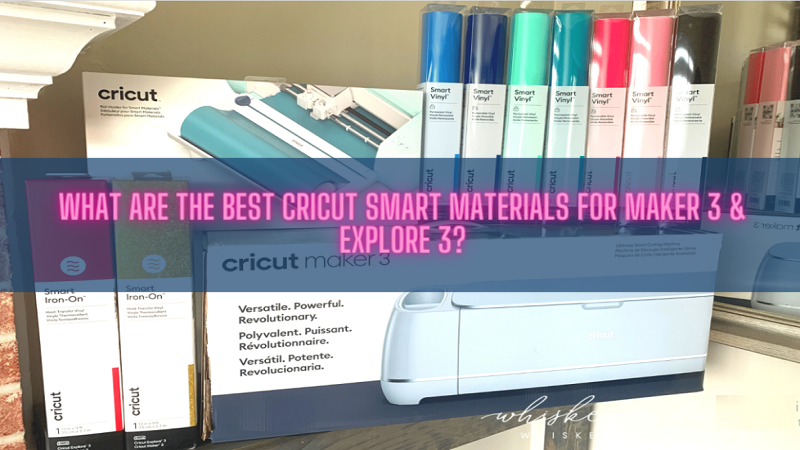
Image
Cricut Smart Materials are specially designed materials that feed directly into the Maker 3 or Explore 3 models without the mat. The family tree of these materials includes Smart Vinyl, Smart Iron-On & Smart Paper Sticker Cardstock. Besides that, the intelligent materials won't support the old generations of the respective cutting machines. Explore 3 & Maker 3 are eligible in cutting a simple image or repeated cuts up to 11.7 in (29.7 cm) wide & 12 ft (3.6 m) long. Read the post blog to learn some of the finest intelligent materials for craft plotters. read more: cricut.com/setup mac Cricut Smart Materials for Maker 3 Smart Materials that come along with an upgraded model of Maker cutting machine can be learned from the section below: Smart Vinyl-Removable (3 ft) This quick-witted crafting material operates without the cutting mat-just load and go. With this removable vinyl, creating removable decals for various purposes becomes easier. Whether ...